TL;DR
Everyone doom-scrolls during missile alerts. I wired an RGB LED to a Raspberry Pi, pointed it at the Pikud HaOref API, and now my family looks at a light instead of their phones. The LED beat the sirens by a few seconds on its first real test. The Pi is named ShelteryPie. Code is on GitHub.
ShelteryPie: A Missile Alert Led Lights
Pi-Kud, the Pi that could.
You know the scene.
Alert sounds. Everyone piles into the mamad (safe room). You sit down, close the door, and wait. And then, every single person in the room pulls out their phone.
Not to distract themselves. To check Pikud HaOref. To see if your area is listed. To watch the alert ticker. To figure out: is it over? Can we go back out? Are there more incoming?
You’re already in the shelter. You’ve done the right thing. But now you’re hunched over a screen, refreshing, waiting, slightly more stressed than you were a minute ago.
I wanted something dumber. Calmer. A light in the corner that just changes colour. No touching. No squinting. No notifications. You walk in, you glance up, you know.
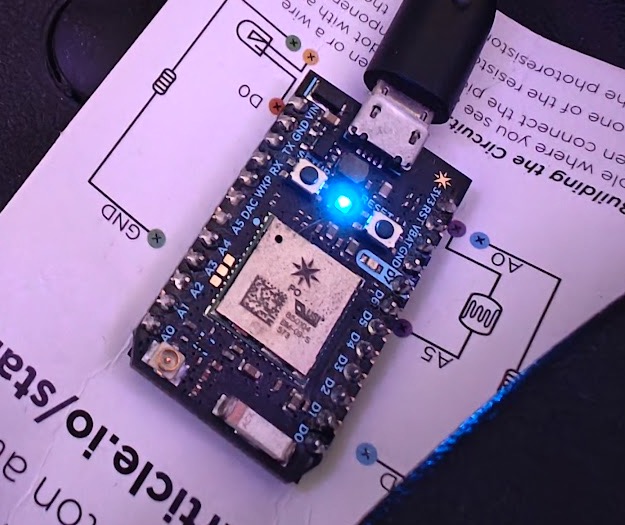
Last weekend I decided to take action, gathered a Raspberry Pi 1 gathering dust, a Photon (Particle) not used in years, a bag of LEDs, and apparently just enough chaos energy to build it while alerts were actively going off.
Building it between shelter runs
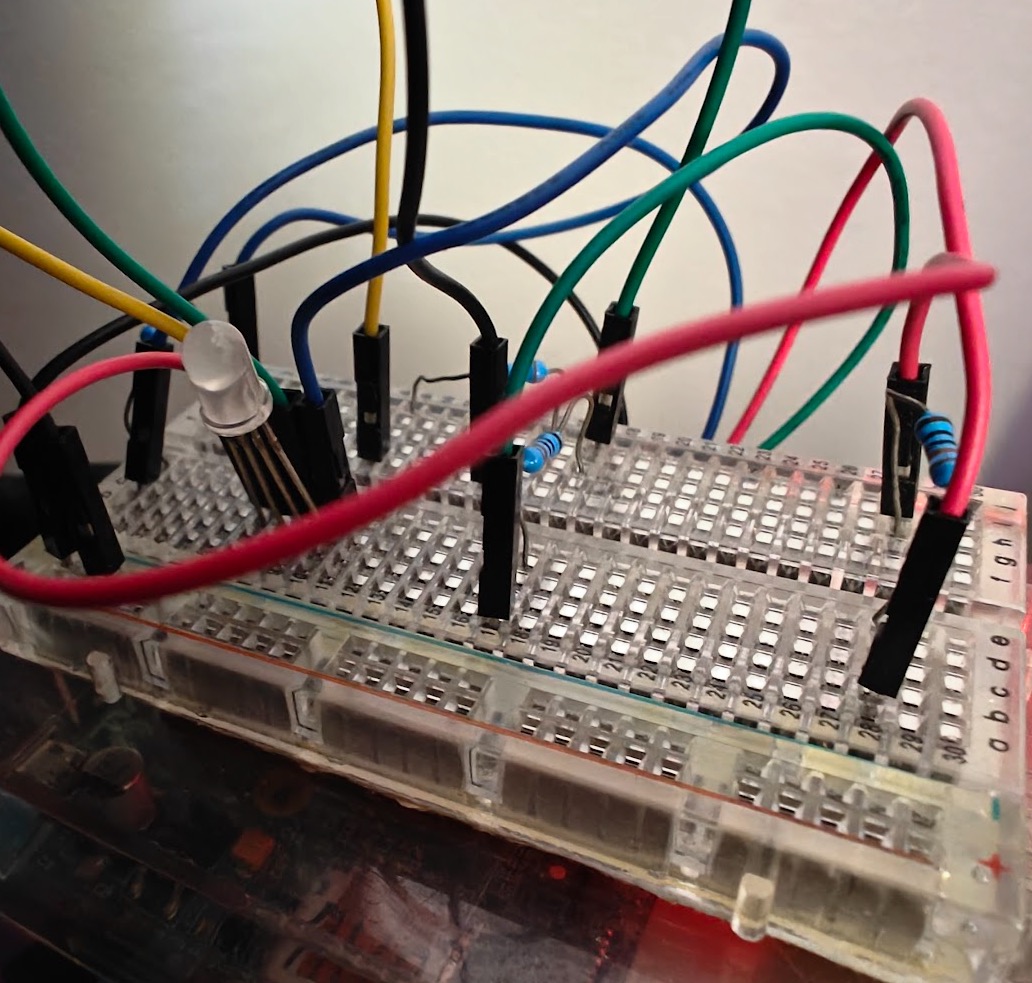
I started the project on a Friday morning. Alerts had been happening on and off. My laptop was open, GPIO pins were half-wired, and I was deep in that particular flow state you get with a good problem.
Then the siren went off.
Closed the laptop. Mamad. Wait. All-clear. Back to the keyboard.
There’s something surreal about debugging a missile alert system while missiles are incoming. The feedback loop was very direct. The project had a very clear definition of done.
How it works
The core problem: the Pikud HaOref API is geo-blocked outside Israel. You can’t poll it from a cloud server in Europe or a laptop connected to a VPN. It just won’t talk to you.
Initially I wanted to do all this on my Particle Photon as it has a RGB led, wifi connection and has cloud computations available.
The problem was that it’s to low level, and I weren’t able to run the https client on it due to memory issues, nor use their cloud functions since it was geo blocked.
The fix was obvious once I stopped trying to be clever: put the poller physically in Israel.
|
|
The Raspberry Pi does all the heavy lifting: polling the API, tracking state, driving the LED. There’s also optional Particle Photon integration, so a second light can sit anywhere in the world and stay in sync. Useful if, say, family members live abroad and want to know what’s happening at home without refreshing Telegram every five minutes (in my case it was simply in another corner of our safe room)
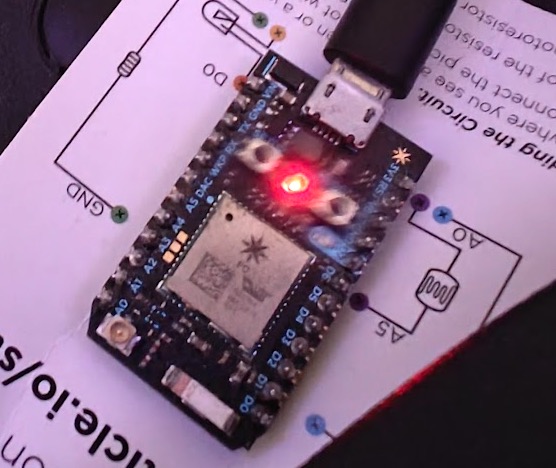
Four states, four colours:
| State | LED |
|---|---|
| No alerts | Off |
| Pre-warning (nearby area) | Pulsing yellow |
| Alert (your area) | Pulsing red |
| Resolved | Pulsing blue (5 min cooldown) |
The pulsing matters. A static light is easy to ignore. Something that breathes at you is harder to miss without being obnoxious about it.
The moment it worked
The first real-world test came the same night the service came up.
The LED turned red.
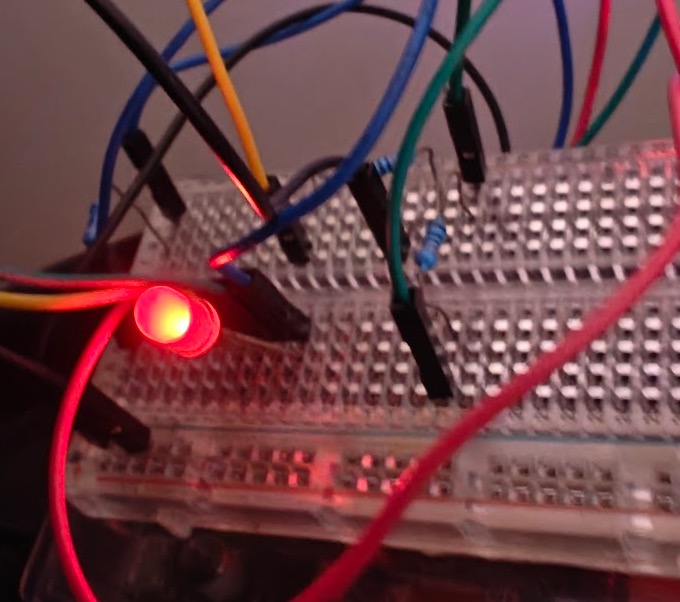
A few seconds later, the sirens started.
The family ran to the mamad, this time we didn’t need phones, instead my kid picked up a guitar and time flew by. When the leds turned blue, we finished the song and exited the shelter.
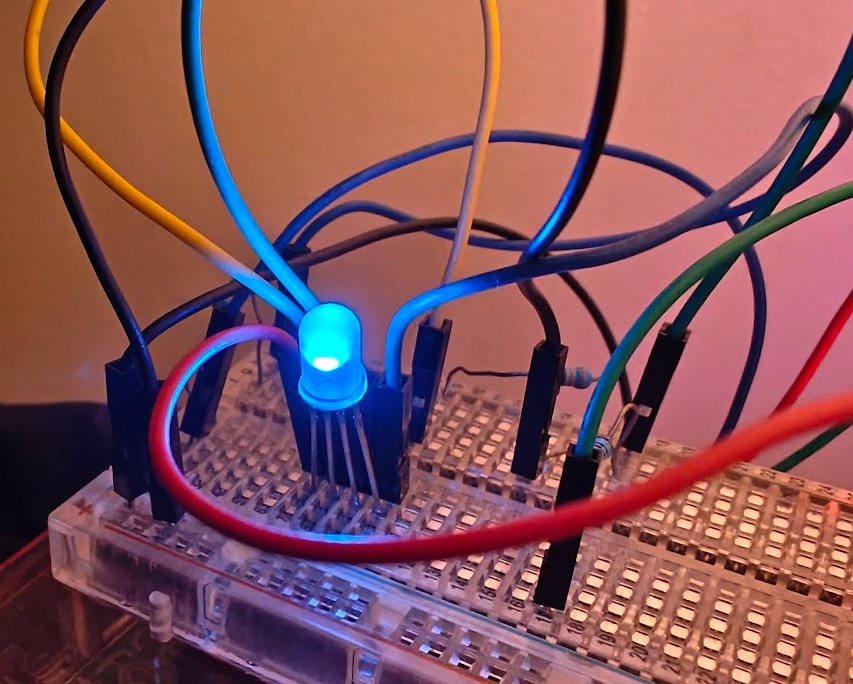
That was it. That was the whole pitch, validated in one run.
The name
A Raspberry Pi running Pikud HaOref monitoring. Pi-Kud.
The Pi itself is called ShelteryPie. Obviously.
Try it yourself
The project is open source: github.com/erikzaadi/pikud
The repo has full setup instructions for both the Pi and the optional Particle Photon. Hardware-wise you need almost nothing: a Pi, a common-cathode RGB LED, three resistors, and some jumper wires. The kind of thing that’s been sitting in a project box since 2019.
The code is Python, runs as a systemd service, and has been running stable in production (my mamad counts as production) since I built it.
Built between alerts with the generous help of Claude.